前端动画2025-02-07•6 min
GSAP 实现页面无缝切换动画
使用 GSAP 动画库实现面包屑导航到不同页面时的无缝切换效果
#目录
#前言
近期在制作自己的网站上时想尝试面包屑导航到不同页面时页面的无缝切换,考虑使用 GSAP(GreenSock 动画平台)实现。这个网站使用 vuetify 作为 CSS 框架。
#一、实现思路
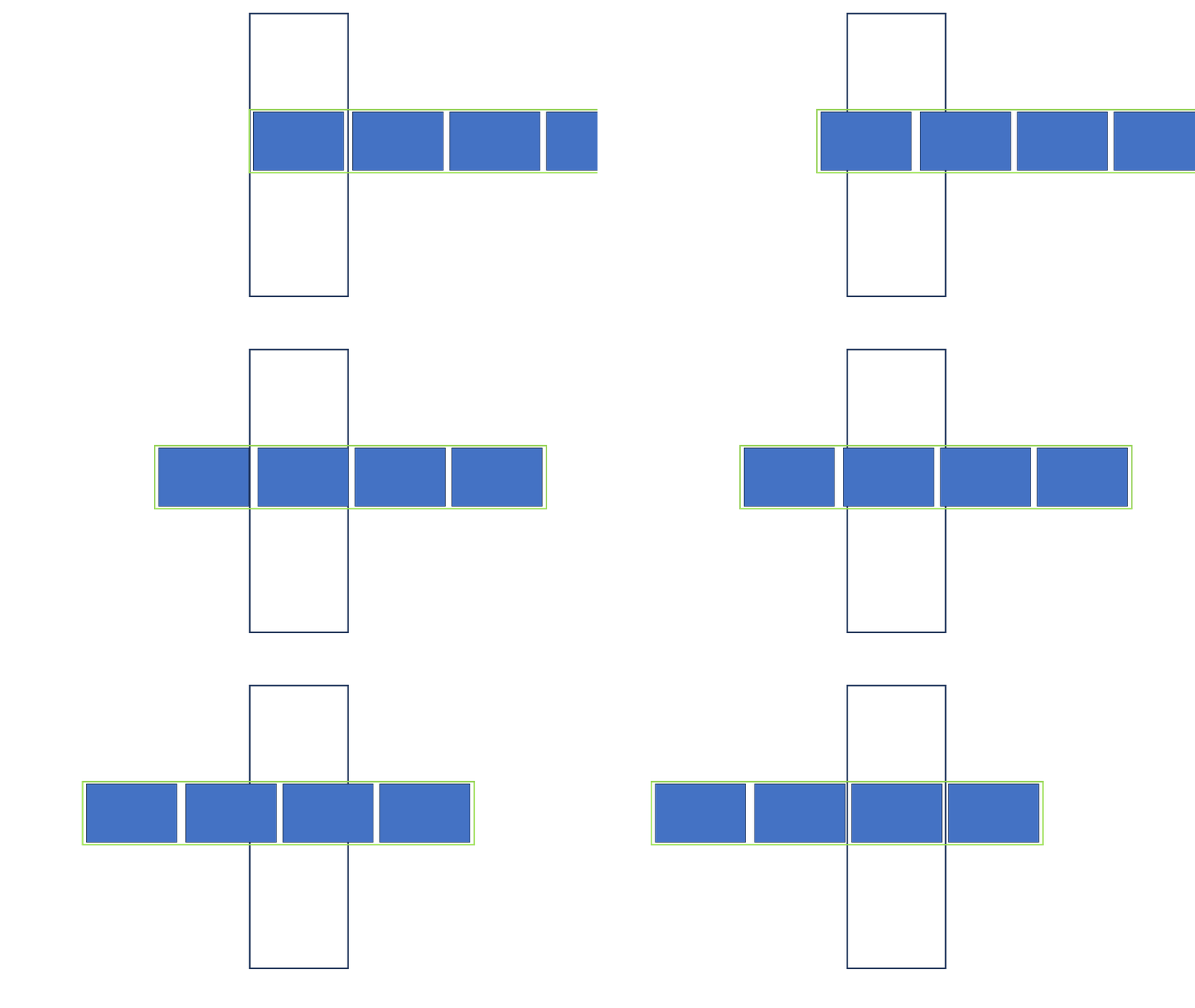
#二、页面层次
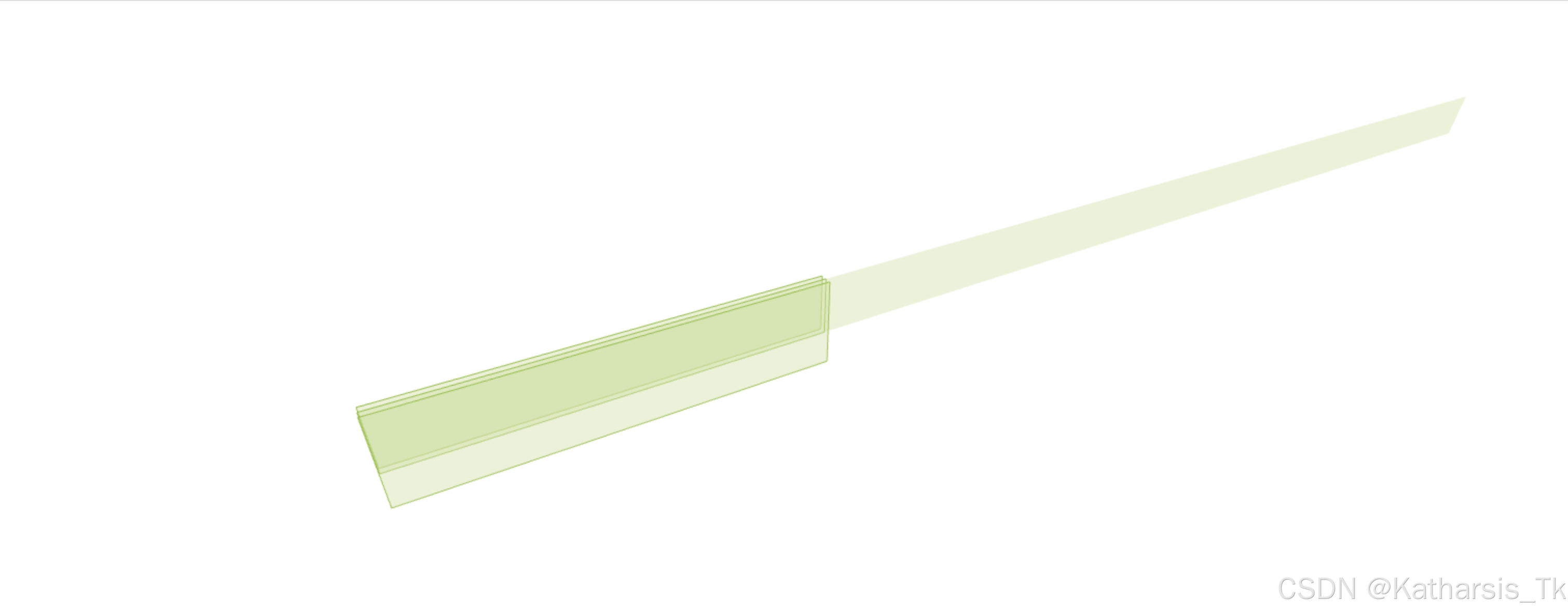
#三、目录结构
|———layout
|    |———default.vue
|———pages
|    |———页面1
|    |    |———index.vue
|    |———页面2
|    |    |———index.vue
|    |———页面3
|    |    |———index.vue
|    |———页面4
|         |———index.vue
#四、HTML 结构
<template>
  <!-- 背景容器 -->
  <div class="background-container">
    <div
      v-for="(page, index) in pageOrder"
      :key="index"
      class="background-item"
    >
      <v-img :src="backgrounds[page].src" cover height="100%" width="100%" />
    </div>
  </div>

  <!-- 内容层 -->
  <v-main>
    <router-view v-slot="{ Component }">
      <div>
        <component :is="Component" />
      </div>
    </router-view>
  </v-main>
</template>
使用一个容器作为背景,另一个容器分开存放页面内容,这里不考虑具体页面内容的实现。
#五、JavaScript 脚本
<script setup>
import gsap from "gsap";
import { useRoute, ref, watch, onMounted } from 'vue';

const route = useRoute();

// 背景媒体映射
const backgrounds = {
  "/页面 1 路径": {
    src: new URL("@/assets/image1.webp", import.meta.url).href
  },
  "/页面 2 路径": {
    src: new URL("@/assets/image2.webp", import.meta.url).href
  },
  "/页面 3 路径": {
    src: new URL("@/assets/image3.webp", import.meta.url).href
  },
  "/页面 4 路径": {
    src: new URL("@/assets/image4.webp", import.meta.url).href
  }
};

// 导航顺序映射
const pageOrder = ["/页面 1 路径", "/页面 2 路径", "/页面 3 路径", "/页面 4 路径"];

// 背景的移动方向
const direction = ref("left");

// 侦听页面路径变化
watch(
  () => route.path,
  (toPath, fromPath) => {
    // 根据页面相对关系决定背景的移动方向
    const toIndex = pageOrder.indexOf(toPath);
    const fromIndex = pageOrder.indexOf(fromPath);
    direction.value = fromIndex > toIndex ? "right" : "left";

    // 应该直接操作背景图片个体
    gsap.to(".background-item", {
      x: `-${toIndex * 100}%`,
      duration: 0.8,
      ease: "power1.inOut"
    });
  }
);

// 页面挂载时初始化为对应图片
onMounted(() => {
  gsap.set(".background-item", {
    x: `-${pageOrder.indexOf(route.path) * 100}%`
  });
});
</script>
要点
-
这里 GSAP 应该直接应用到图片个体,而不是其父容器 background-container,否则 GSAP 会以父容器的长度来计算。
-
页面挂载时应该初始化为对应的背景。如在页面 2 刷新,如果没有挂载时正确设置,则会显示页面 1 的背景。
#六、CSS 层叠样式表
<style scoped>
.background-container {
  position: fixed;
  top: 0;
  left: 0;
  width: 400%; /* 4个页面 */
  height: 100%;
  display: flex;
  /* z-index: -1; */
}

.background-item {
  flex: 0 0 25%; /* 100% ÷ 4 */
  height: 100%;
}
</style>#七、实现效果